
Slide Decks
Generate ready-to-present slide decks from any agent’s knowledge base. Aivah pulls the source material the agent was trained on, structures it into a slide narrative, and renders the result so you can review, download, or push it into a live conversation. Open fromSide nav → Productivity (/productivity) and pick Slide deck in the Type selector.
Configure
Click Edit in the productivity toolbar to open the slide-deck dialog.
Confirm to save the configuration, then click Generate in the toolbar.
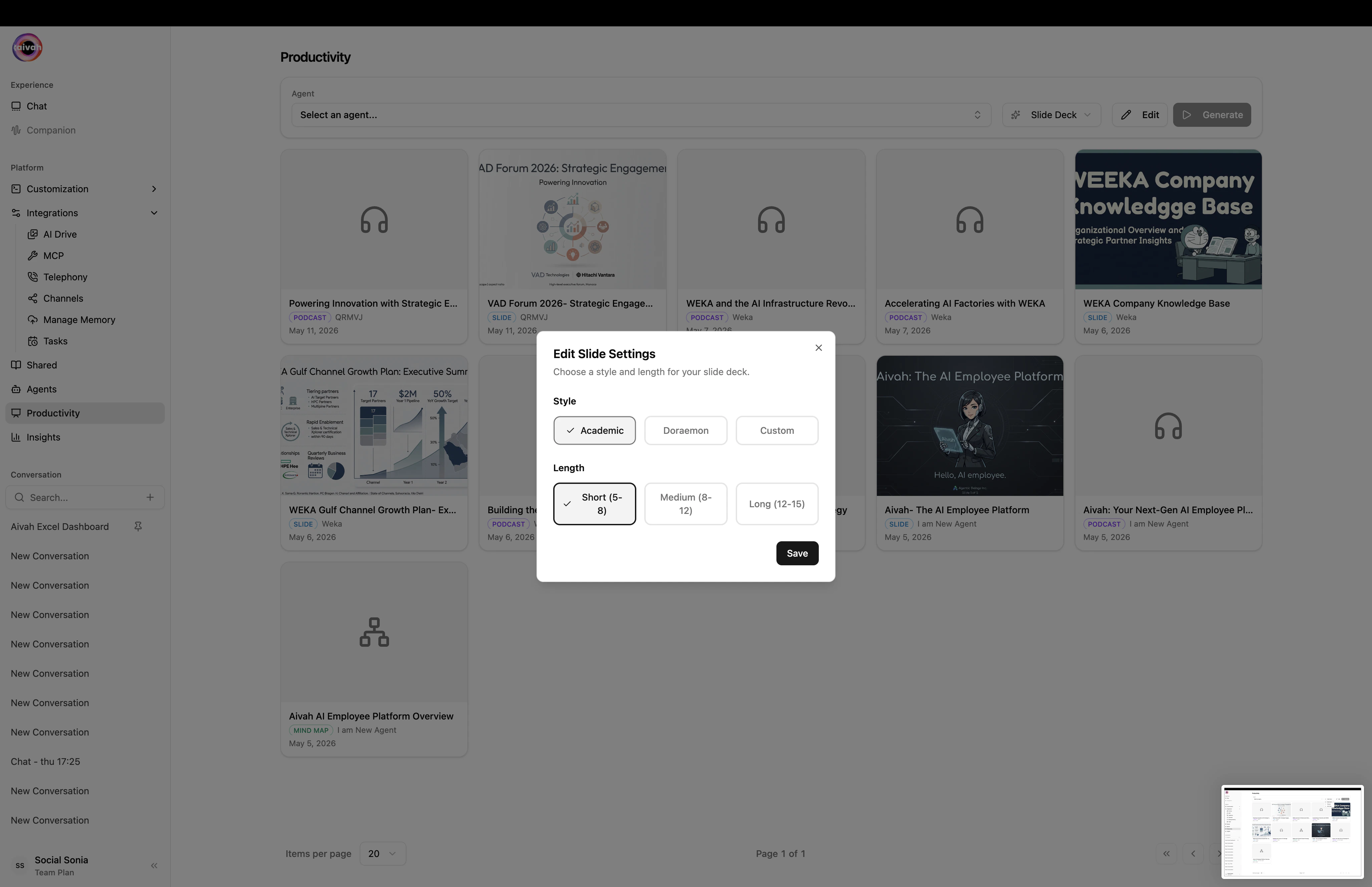
Edit Slide Settings – pick Style and Length, save, then Generate
Workflow
1
Pick the source agent
Use the Agent selector. The infinite-scroll search makes it easy to find the right one even in large libraries.
2
Choose style and length
Click Edit, set Style and Length, then close the dialog.
3
Generate
Click Generate. The agent enters a generation state and the Document Creating Banner appears in any active conversation tied to that agent.
4
Review in the gallery
Newly generated decks appear in the gallery under the toolbar. Click any slide to:
- Open it full-screen
- Download the deck
- Push the slide into your active conversation as context
Where decks live
- Productivity gallery – the fastest view, scoped to the active agent.
- Integrations → AI Drive → Files → Slides – global, browsable across every agent.
- Avatar chat – pick the same agent and open it in a presentation scene (Present 1 / Present 2) to deliver the deck with a 3D avatar.
Best practices
- Train the agent thoroughly first – decks reflect the depth of the underlying knowledge. Add the relevant URLs, PDFs, and notes before generating.
- Use Academic style for dense, source-heavy decks – it’s the cleanest format for whitepapers and research summaries.
- Use Custom to dial in your own brand – describe the tone, palette, or layout you want and the generator will mirror it.
- Iterate on length – generate Short for a snapshot, then Long for a full readout once the structure feels right.
- Pair with Mind maps – they’re a great way to visualize the relationships between slides before formal delivery.