
Tasks
Aivah’s Tasks page (Side nav → Integrations → Tasks, or /integrations/tasks) is where every scheduled or recurring job created by you or your AI agent lives. Anything from “remind me on Monday at 9 AM” to “ping me if the API is down” shows up here.
The page is split into two tabs, each with badge counters and a Refresh button.
Cron Jobs
Scheduled jobs that run on a cron expression. Each row shows:- The cron expression and the human-readable next-run time
- The action the job will take
- The channel the job runs on (Web, Slack, WhatsApp, etc.)
- Inline Run now and Delete controls
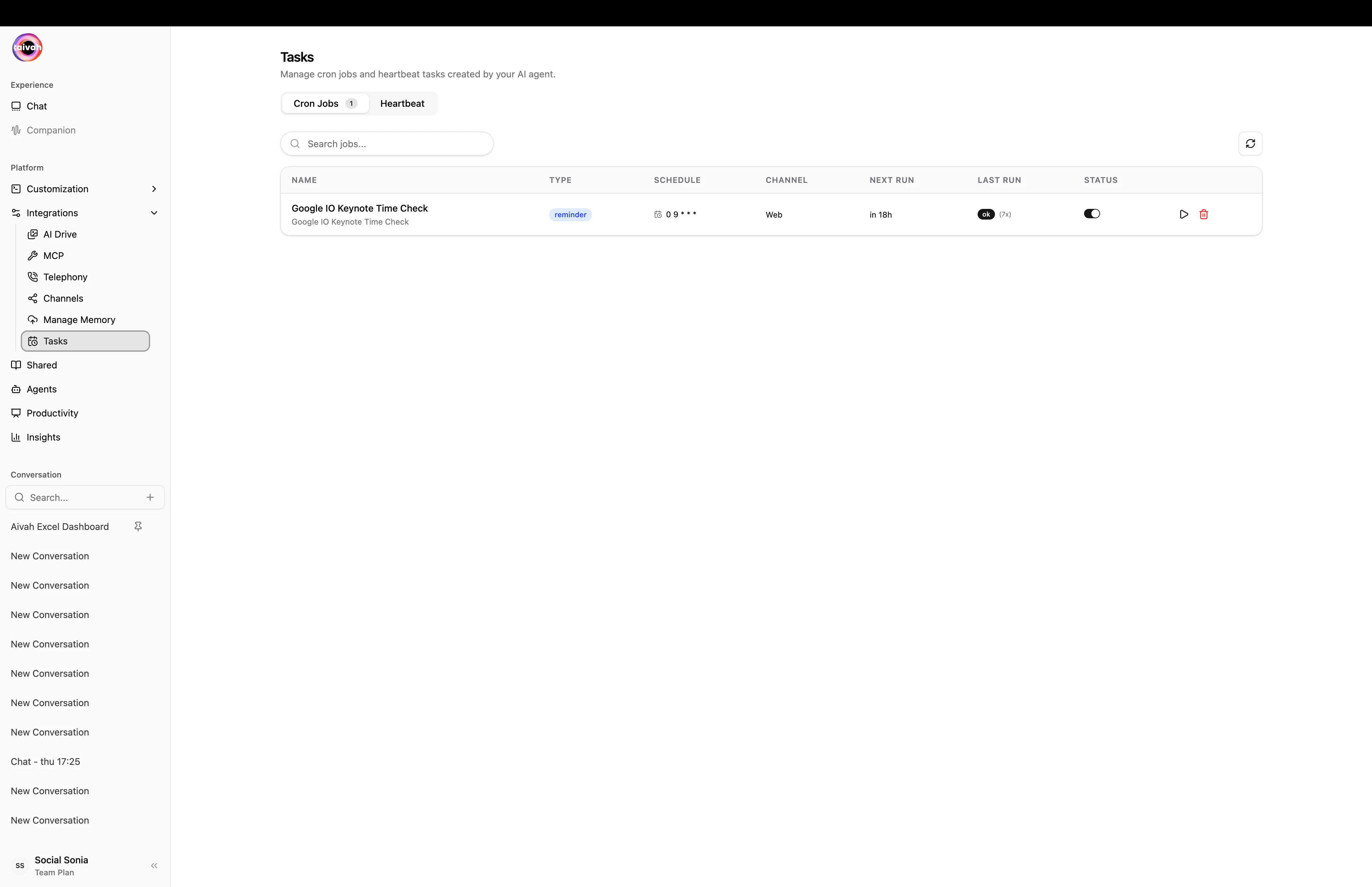
Cron Jobs tab – a reminder scheduled at 0 9 * * * on the Web channel
Manage cron jobs
- Run now – executes the job immediately without changing its schedule. Useful for verifying that the action works.
- Delete – removes the job permanently. The agent will no longer trigger it.
- Refresh – re-fetches the list so freshly created jobs appear.
Heartbeat
Background tasks that need a regular heartbeat to remain healthy. If the heartbeat stops coming in, the task is flagged so you can intervene. The panel shows:- A Heartbeat Monitor card with the interval, channel, last beat, and next beat
- A list of every heartbeat task with its priority, status, and creation timestamp
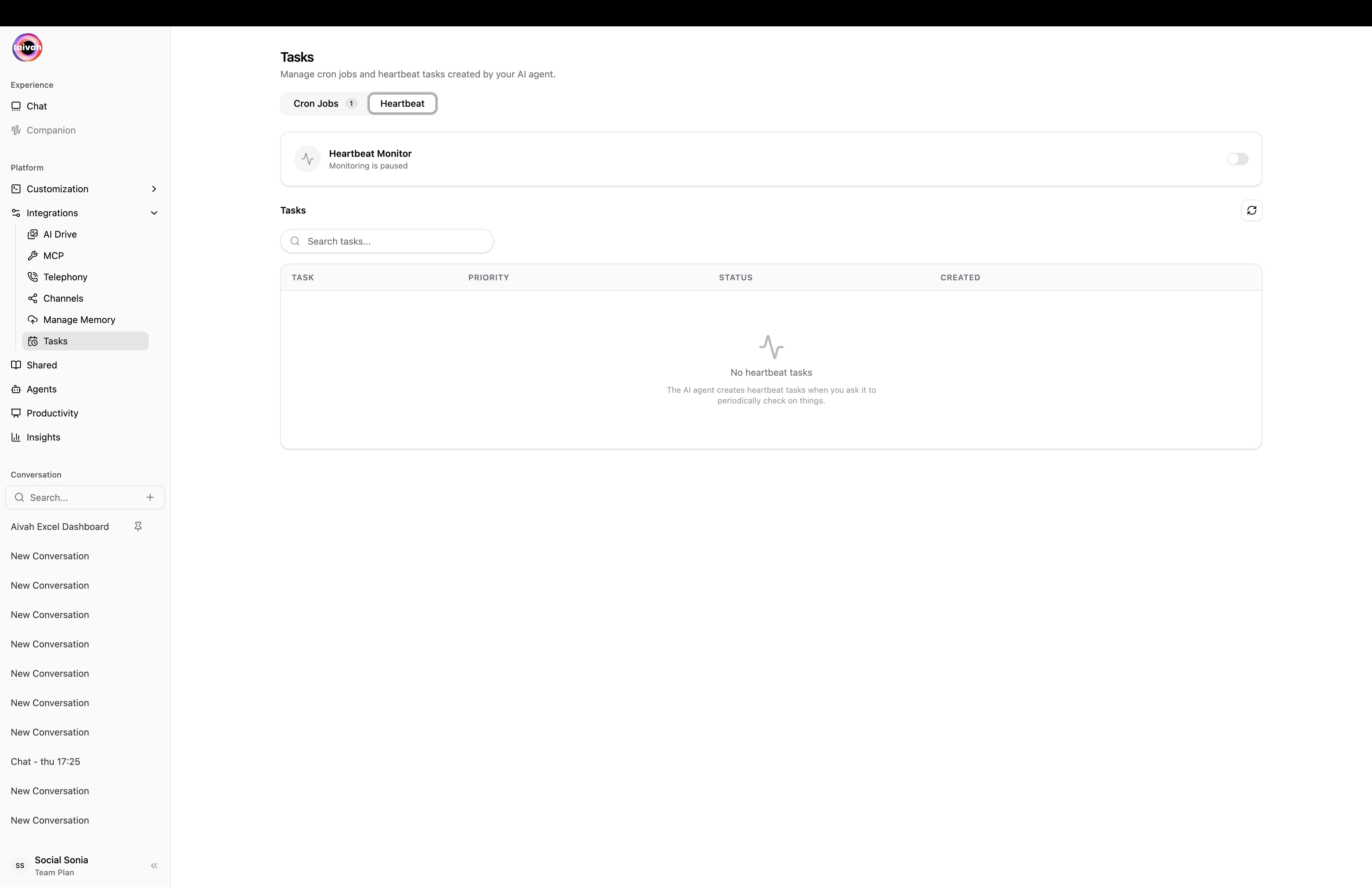
Heartbeat tab in its empty state, before any tasks have been wired up
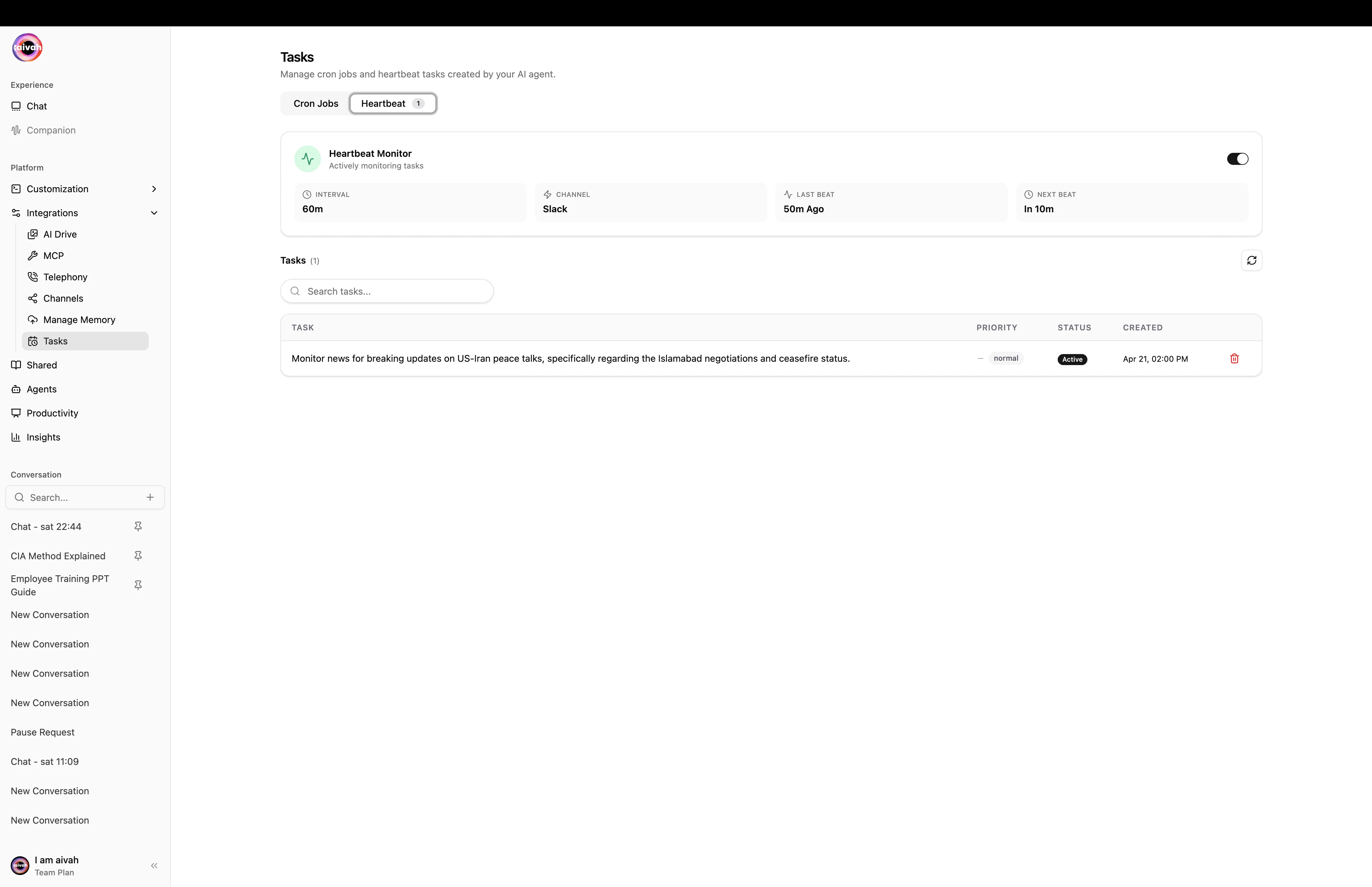
Heartbeat tab with an active monitor and one running task
How tasks are created
Tasks generally appear here in one of three ways:- You ask the agent – natural language requests like “remind me to send the weekly report every Friday at 9 AM” create a cron job automatically.
- An MCP tool returns a schedule – some MCP integrations (Calendar, Linear, etc.) can schedule follow-ups that surface as cron jobs.
- You configure a heartbeat-style monitor – longer-running integrations are wired up via the heartbeat configuration card.
Workflow
1
Open Tasks
Navigate to Integrations → Tasks and pick the tab you want.
2
Inspect status
Use the badge counters to see how many jobs exist. Check timestamps to spot anything misbehaving.
3
Run a quick verification
For cron jobs, hit Run now to confirm the action still works after a code or content change.
4
Clean up
Use Delete on jobs you no longer need, then Refresh to confirm they’re gone.
Troubleshooting
- Job didn’t run on time – use Run now to confirm the action itself still works, then double-check the cron expression and the agent’s MCP tool access.
- Heartbeat stopped – inspect the last heartbeat timestamp, then check the upstream service that’s supposed to be sending the heartbeat.
- List looks stale – hit Refresh at the top of the tab to re-fetch.