Podcasts
Turn an agent’s knowledge into a two-voice podcast: a host that interviews and steers, and an expert that answers. The resulting audio plays back inside Aivah and is available globally through AI Drive. Open fromSide nav → Productivity (/productivity) and pick Podcast in the Type selector.
Configure
Click Edit in the productivity toolbar to open the podcast dialog.
Voice options include Aivah’s built-in voices as well as any voice clones you’ve added.
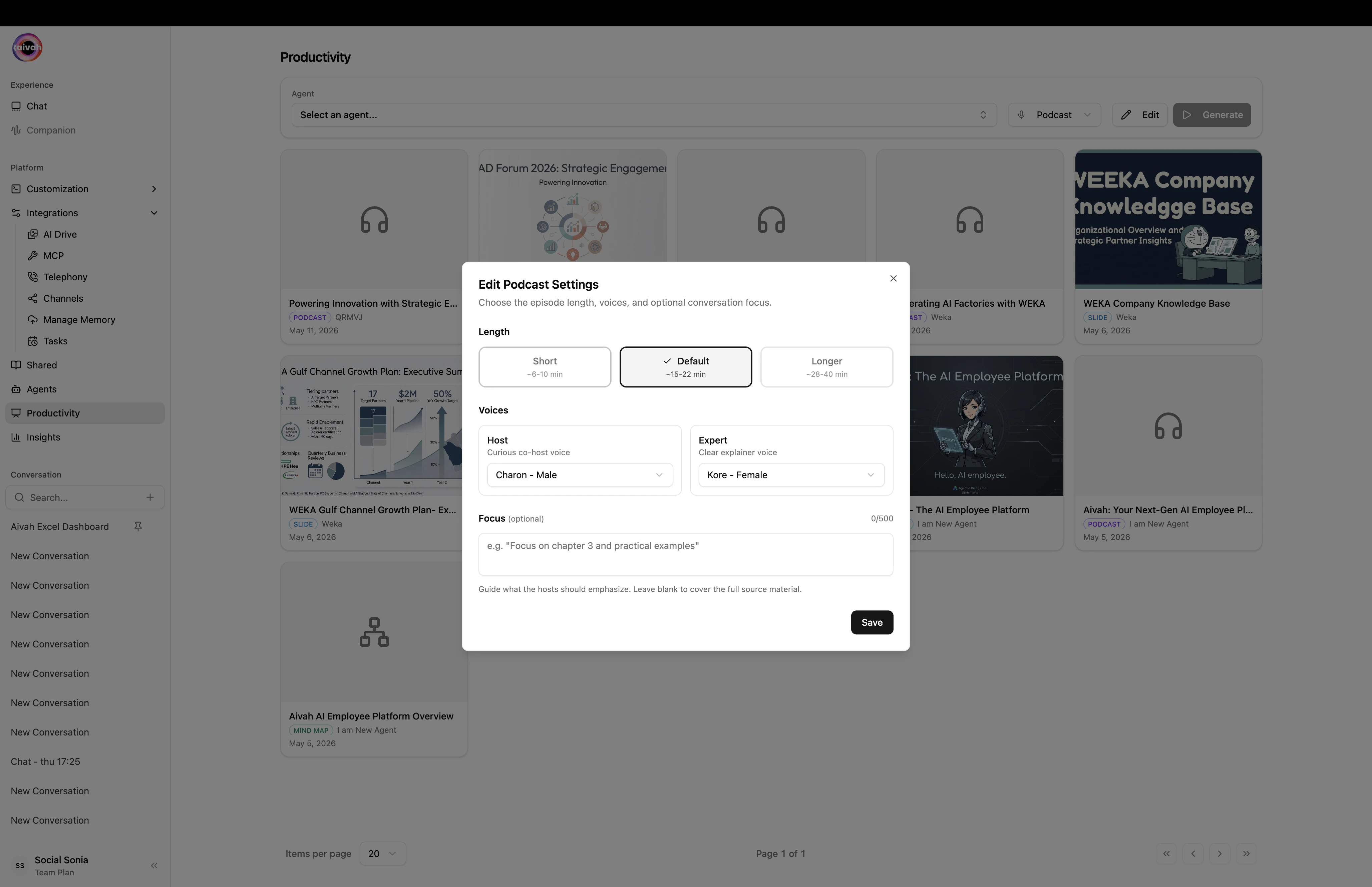
Edit Podcast Settings – Length, Host / Expert voices, and an optional Focus prompt
Workflow
1
Pick the source agent
Use the Agent selector in the toolbar. The infinite-scroll search filters quickly across large libraries.
2
Configure length and voices
Click Edit, choose a Length, then pair a Host voice with an Expert voice.
3
Generate
Click Generate. While the episode is rendering, the Document Creating Banner appears in active conversations for that agent.
4
Play it back
Once ready, the podcast becomes accessible from the floating Podcast player in Avatar chat for the same agent, and from the AI Drive gallery.
Where podcasts live
- Avatar chat → Podcast player (floating toolbar) – the fastest way to listen in-context.
- AI Drive – global browse and download.
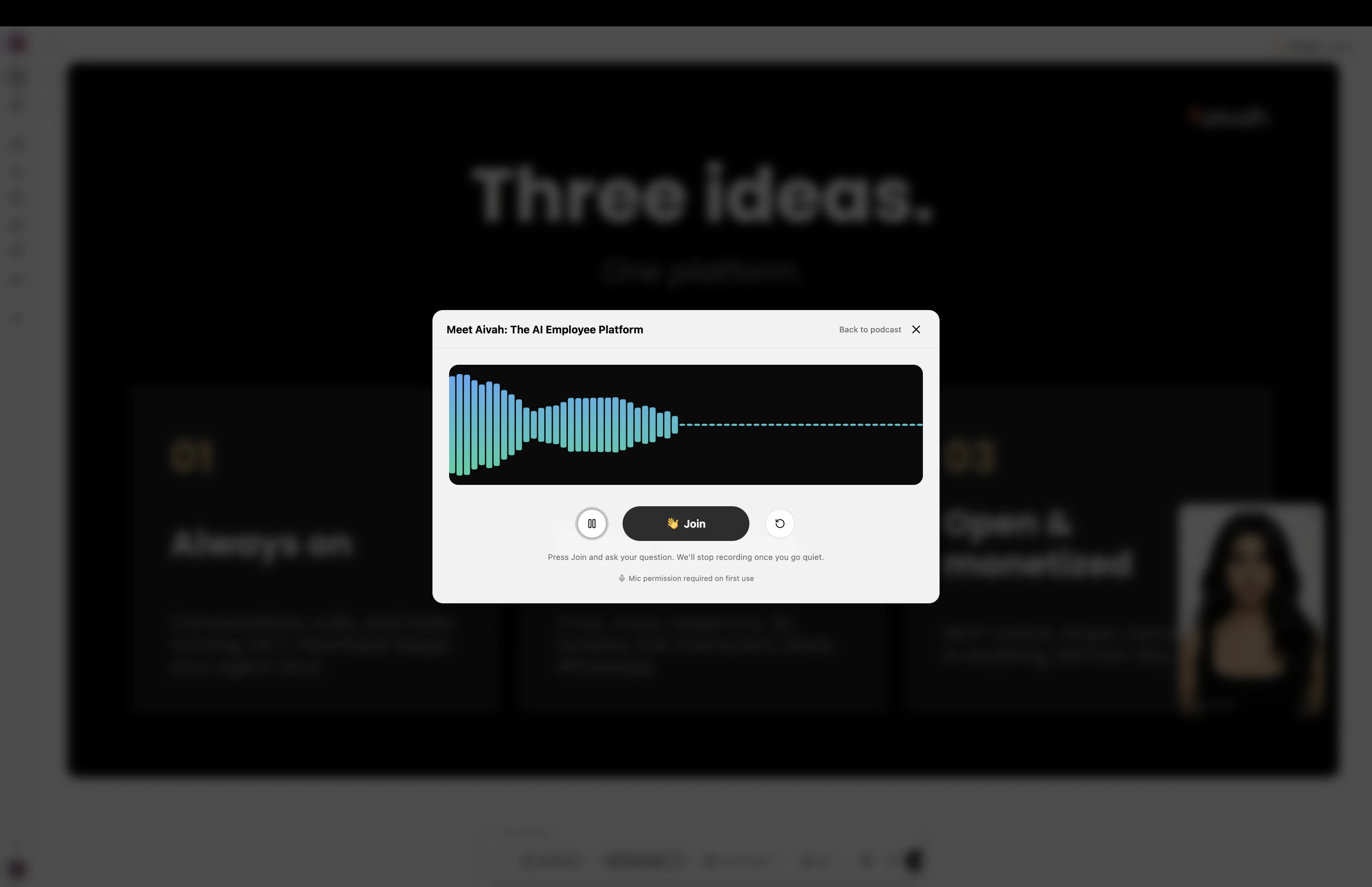
Podcast player – press Join to ask a question and have the hosts respond live
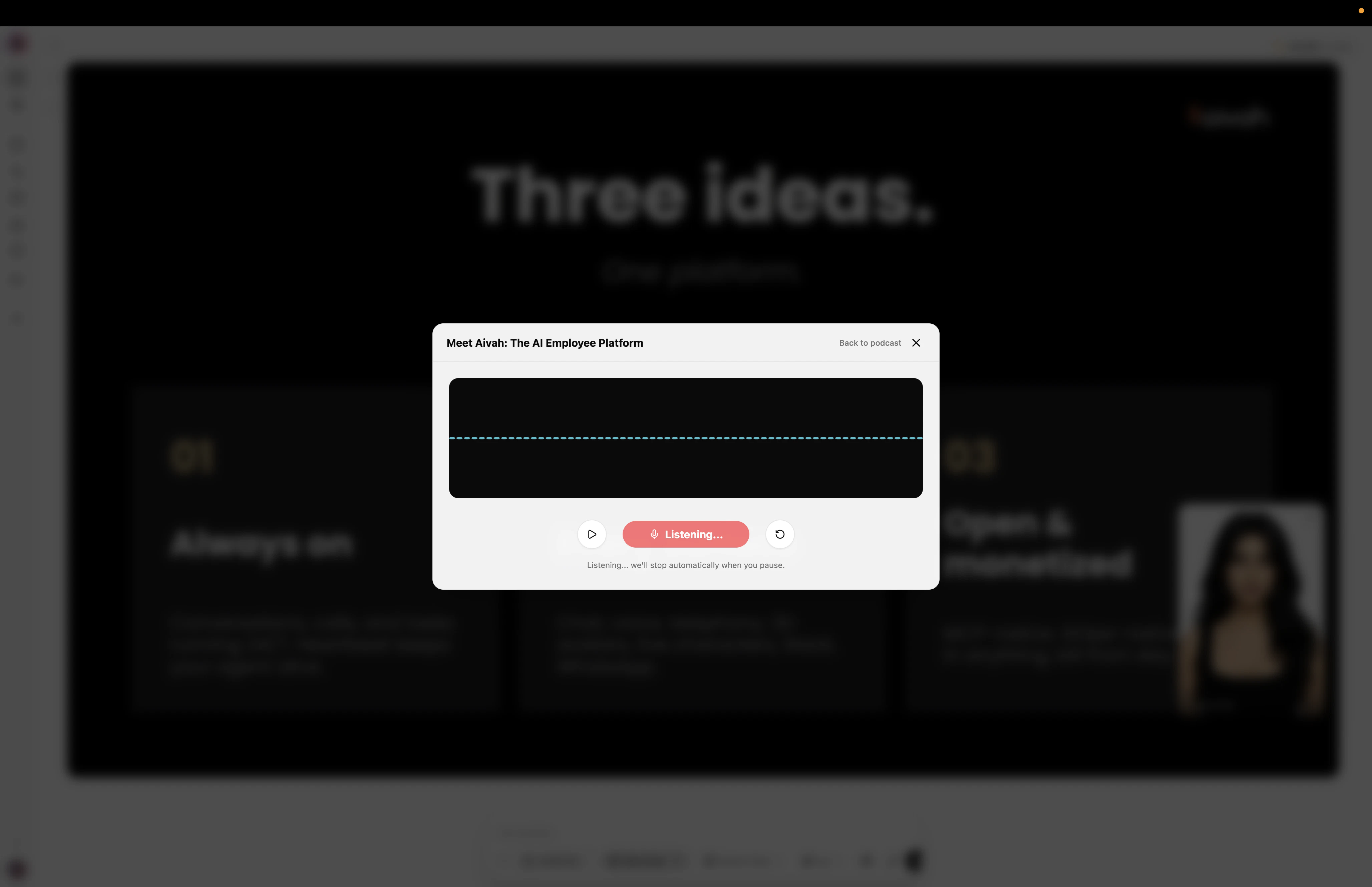
Podcast player listening – it captures your question and waits for you to pause
Voice-pairing tips
- Use distinct voice families – pair a calmer host voice with a more energetic expert voice (or vice versa) to make turn-taking obvious.
- Match accents to your audience – a regional voice can make technical content feel more accessible.
- Test with short first – generate a short episode to validate the voice mix before committing to a long run.