> ## Documentation Index
> Fetch the complete documentation index at: https://opinionai.mintlify.site/llms.txt
> Use this file to discover all available pages before exploring further.
# Podcasts
> Generate two-voice podcasts from an agent's knowledge
# Podcasts
Turn an agent's knowledge into a two-voice podcast: a **host** that interviews and steers, and an **expert** that answers. The resulting audio plays back inside Aivah and is available globally through AI Drive.
Open from `Side nav → Productivity` (`/productivity`) and pick **Podcast** in the **Type** selector.
## Configure
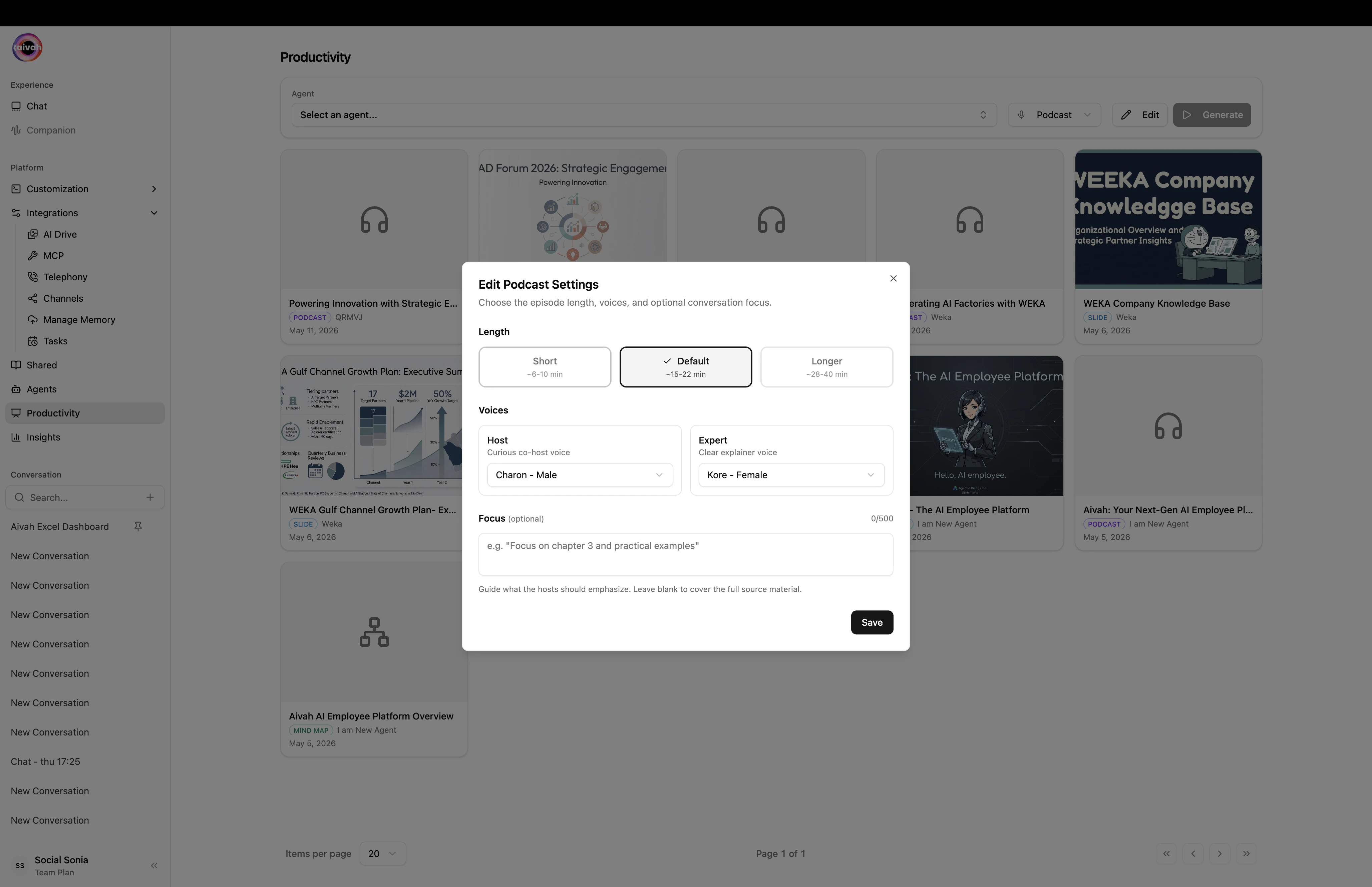
Click **Edit** in the productivity toolbar to open the podcast dialog.
| Setting | Options | What it controls |
| ---------------------- | --------------------------------------------------------------- | ---------------------------------------------------------------------------------------------------------------------------------------- |
| **Length** | Short (\~6–10 min), Default (\~15–22 min), Longer (\~26–40 min) | Approximate duration. *Short* for a snappy intro, *Longer* for an in-depth conversation. |
| **Host voice** | Any voice from the library | The voice of the curious co-host who interviews. |
| **Expert voice** | Any voice from the library | The voice of the clear-explainer subject-matter expert. |
| **Focus** *(optional)* | Free text | Guide what the hosts should emphasize (e.g. *Focus on chapter 3 and practical examples*). Leave blank to cover the full source material. |
Voice options include Aivah's built-in voices as well as any [voice clones](/avatars/voices) you've added.
 ## Workflow
Use the **Agent** selector in the toolbar. The infinite-scroll search filters quickly across large libraries.
Click **Edit**, choose a **Length**, then pair a **Host voice** with an **Expert voice**.
Click **Generate**. While the episode is rendering, the **Document Creating Banner** appears in active conversations for that agent.
Once ready, the podcast becomes accessible from the floating **Podcast player** in [Avatar chat](/interaction-hub/voice) for the same agent, and from the [AI Drive](/integration/ai-drive) gallery.
## Where podcasts live
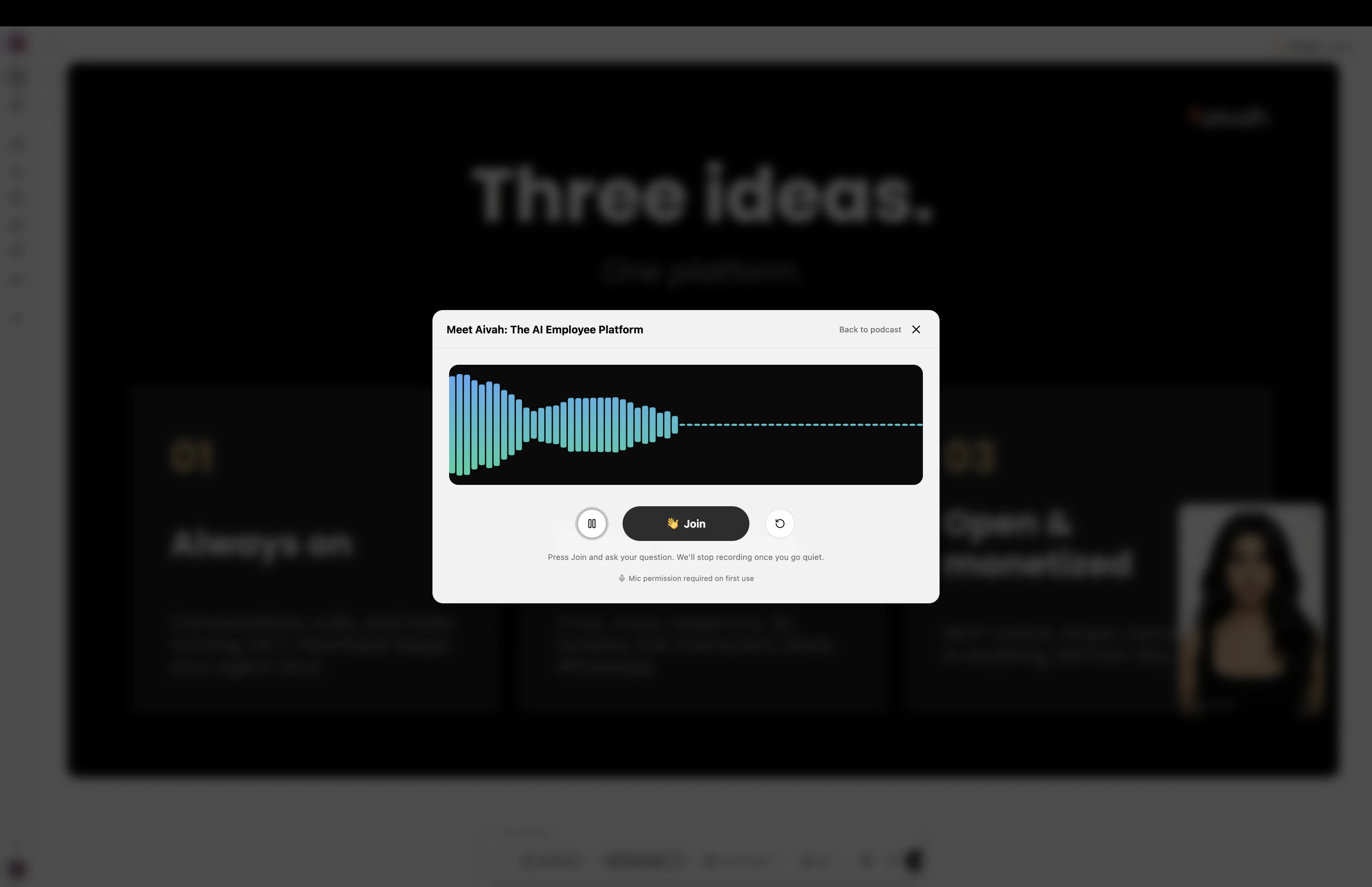
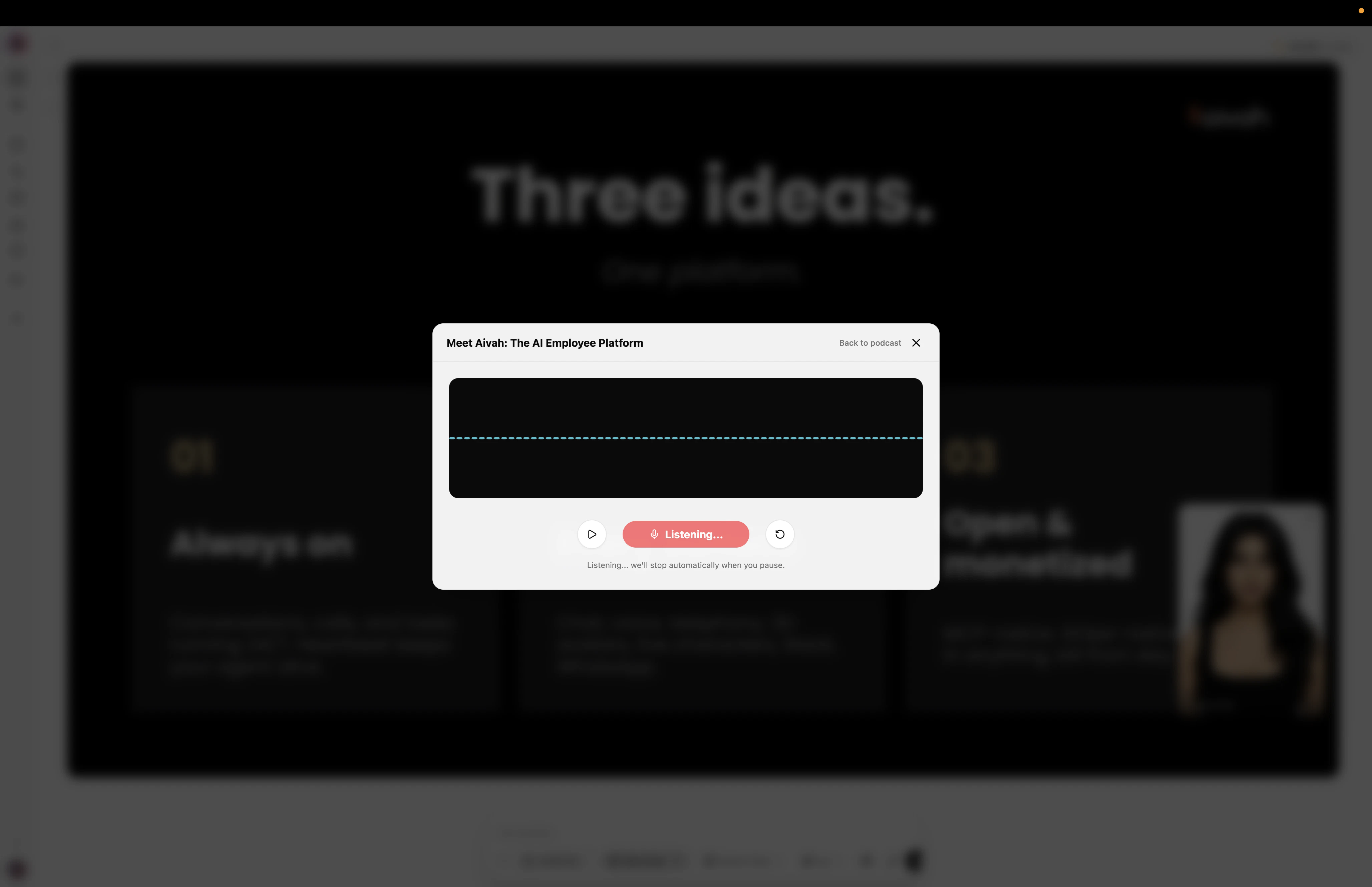
* **Avatar chat → Podcast player** (floating toolbar) – the fastest way to listen in-context.
* **AI Drive** – global browse and download.
## Workflow
Use the **Agent** selector in the toolbar. The infinite-scroll search filters quickly across large libraries.
Click **Edit**, choose a **Length**, then pair a **Host voice** with an **Expert voice**.
Click **Generate**. While the episode is rendering, the **Document Creating Banner** appears in active conversations for that agent.
Once ready, the podcast becomes accessible from the floating **Podcast player** in [Avatar chat](/interaction-hub/voice) for the same agent, and from the [AI Drive](/integration/ai-drive) gallery.
## Where podcasts live
* **Avatar chat → Podcast player** (floating toolbar) – the fastest way to listen in-context.
* **AI Drive** – global browse and download.
 ## Voice-pairing tips
* **Use distinct voice families** – pair a calmer host voice with a more energetic expert voice (or vice versa) to make turn-taking obvious.
* **Match accents to your audience** – a regional voice can make technical content feel more accessible.
* **Test with short first** – generate a *short* episode to validate the voice mix before committing to a *long* run.
## Related guides
* [Voices and voice cloning](/avatars/voices)
* [Avatar chat in the Hub](/interaction-hub/voice)
* [AI Drive](/integration/ai-drive)
## Voice-pairing tips
* **Use distinct voice families** – pair a calmer host voice with a more energetic expert voice (or vice versa) to make turn-taking obvious.
* **Match accents to your audience** – a regional voice can make technical content feel more accessible.
* **Test with short first** – generate a *short* episode to validate the voice mix before committing to a *long* run.
## Related guides
* [Voices and voice cloning](/avatars/voices)
* [Avatar chat in the Hub](/interaction-hub/voice)
* [AI Drive](/integration/ai-drive)